🔍 How to check if your proxy ip is blacklisted
Proxy IP addresses can land on reputation databases for dozens of reasons, and most of them have nothing to do with your own activity. Security systems across the internet maintain blacklists to filter suspicious traffic, and a single flagged IP can disrupt data collection, API calls, and business analytics. Blacklisting is not rare, it is a standard part of how the internet handles safety. Companies and individual users in the USA should check if IP is blacklisted regularly to keep workflows running. Nsocks provides clean IP pools designed for lawful, professional proxy usage in compliance with US regulations.
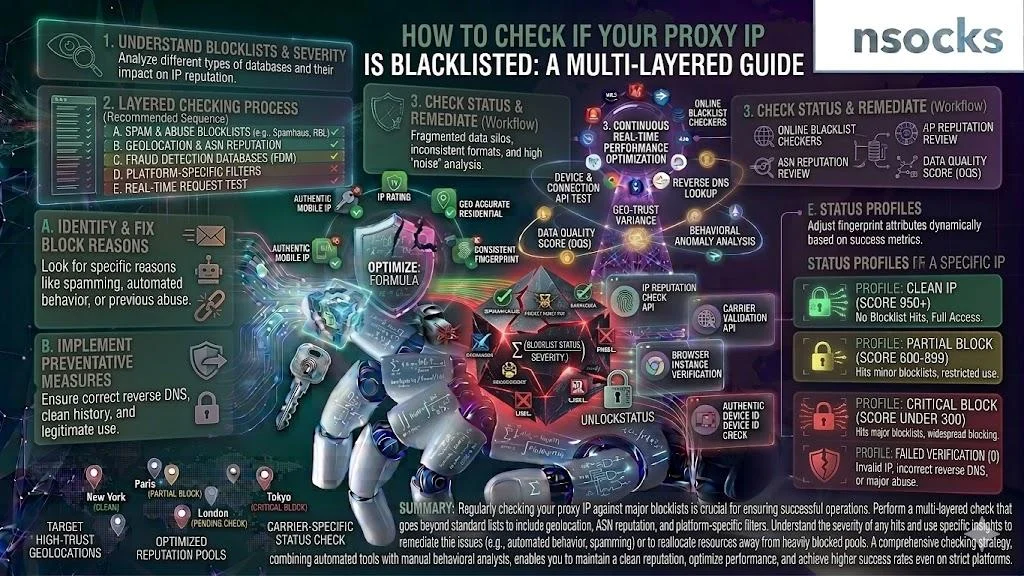
🛡️ What does it mean when a proxy ip is blacklisted
When a proxy IP ends up on a blacklist, one or more security databases have flagged that address as untrustworthy. This can happen even if the current user has done nothing wrong. Shared proxy pools, prior abuse by other users, or automated detection patterns all contribute. A quick ip blacklist lookup can show you exactly which databases have flagged your address. Understanding the mechanics behind blacklisting is the first step toward keeping your connections stable and your proxy score high.
📖 Definition of ip blacklist in proxy networks
An IP blacklist is a database maintained by security organizations, email providers, or web services that tracks addresses associated with suspicious behavior. These lists get referenced in real time by firewalls, mail servers, and content delivery networks. If your proxy IP appears on one, requests from that address may get blocked or throttled. A dns blacklist lookup can reveal whether a specific address has been reported. Knowing how to check if IP is blacklisted starts with understanding these databases.
⚠️ Why ip addresses get flagged or listed
IPs do not get blacklisted randomly. There are specific triggers, and most relate to patterns detected by automated systems. Even a single user on a shared proxy sending spam can drag the entire IP into a blacklist within hours. Security platforms collect data from multiple sources and cross-reference it, so suspicious activity rarely goes unnoticed for long.
| 📊 Cause | Description |
|---|---|
| 🚨 Spam reports | Email or web spam originating from the IP triggers listing |
| 📈 Abnormal traffic | Sudden spikes in requests raise automated flags |
| 👥 Shared usage | Multiple users on the same IP increase the chance of a bad actor causing listing |
| 🕰️ Reputation history | Previously flagged IPs retain negative scores even after changing hands |
| 🤖 Bot-like patterns | Repetitive, non-human request behavior gets caught by filters |
Each cause feeds into broader reputation systems that rate IP addresses on a trust scale. If any of these triggers apply to your address, you should check if IP is blacklisted without delay.
📉 How blacklists affect proxy performance
A blacklisted proxy IP creates a chain reaction across your workflow. Requests get rejected, response times spike, and some services block access entirely. For teams running data analytics or market research, even a single flagged IP can stall an entire pipeline. That is why professionals verify IP status before launching any major task.
💡 How reputation systems evaluate ip behavior: Security platforms assign a trust rating based on traffic volume, request patterns, geographic consistency, and historical records. An IP that sends thousands of requests per second but suddenly shifts to irregular intervals will trigger a review. Regular ip reputation check routines help you catch score drops before they become full blocks.
🔎 How to check if your proxy ip is blacklisted
Both manual and automated approaches exist, and combining them gives the most accurate picture. The goal is to check if IP is blacklisted across multiple databases, not just one. Speed matters, a flagged IP costs you money every hour it stays in rotation. Most public checking tools are free and return results in seconds, so there is no reason to skip this step. Building a regular verification routine into your workflow prevents small issues from snowballing into full-scale outages.
📝 Manual blacklist checking methods
Manual checks work well for spot-checking individual IPs. Spam database verification through public tools is straightforward and free.
- ✅ Open a public blacklist checker like MXToolbox or Spamhaus
- ✅ Enter the proxy IP address you want to verify
- ✅ Run the scan and wait for results across multiple databases
- ✅ Review each database response and look for "listed" or "not listed" status
- ✅ Note which specific lists flagged the IP
- ✅ Document findings and timestamp them for future comparison
Following these steps lets you scan your IP across all major public databases in under five minutes. A mxtoolbox blacklist check covers over 100 blacklists in a single query. For deeper analysis, run a scan on at least two separate platforms to cross-reference results.
🤖 Automated ip reputation tools
Businesses managing hundreds of IPs need automation. Blacklist monitoring services run continuous scans and alert you when a status changes.
| 📊 Tool | Type | Coverage | Speed |
|---|---|---|---|
| 🔧 MXToolbox | Web-based | 100+ blacklists | Fast |
| 🔧 Spamhaus | API + Web | Email & web lists | Fast |
| 🔧 IPVoid | Web-based | 80+ databases | Moderate |
| 🔧 Hetrix Tools | Monitoring SaaS | 60+ lists, alerts | Real-time |
| 🔧 CleanTalk | API | Spam-focused | Fast |
For ongoing monitoring, SaaS platforms with alert functionality give you the best coverage. These services check if IP is blacklisted on a set schedule and notify you immediately when something changes. Nsocks users can pair these tools with built-in ip reputation tools for a complete view.
📊 What data to analyze during checks
Running a check is only half the job. Interpreting results matters just as much. Pay attention to listing age because a recent listing suggests an active issue, while an old one may be residual. Your analysis should include the listing category (spam, malware, brute-force). A spamhaus check on its own carries more weight than a dozen minor list hits.
💡 How to interpret reputation signals correctly: Not all blacklists carry equal weight. A listing on Spamhaus SBL or CBL indicates a serious problem. A hit on a small, niche database might not affect your operations at all. Focus on lists that your target services actually reference and cross-check with your actual connection success rates.
🗂️ Types of blacklist databases and how they work
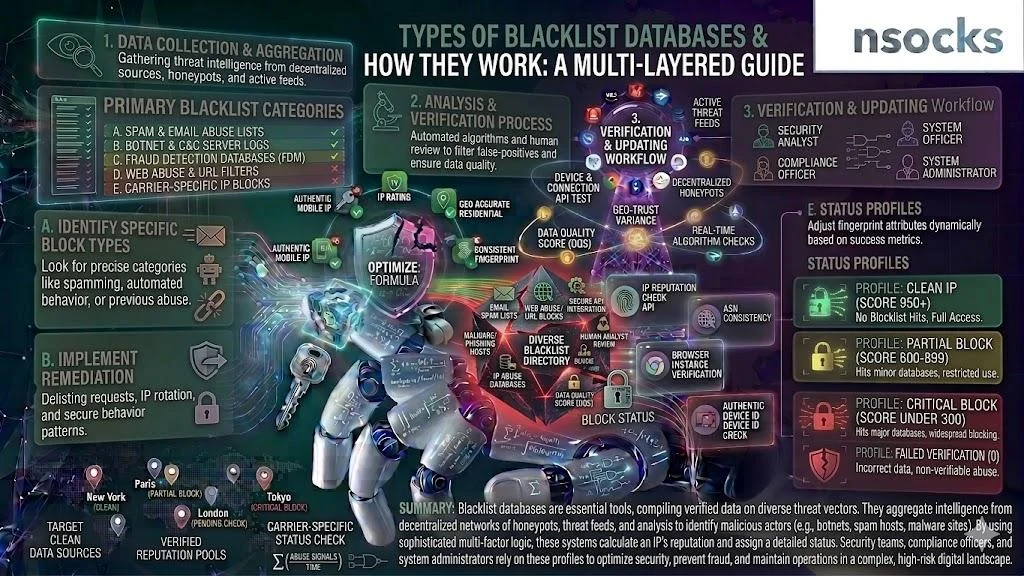
Blacklist databases serve different purposes, track different types of abuse, and are referenced by different systems. Understanding these categories helps you prioritize which ones to monitor. Some lists focus strictly on email spam, others track web-based threats, and a separate group operates behind corporate firewalls with no public access. Knowing which type applies to your use case saves time and lets you check if IP is blacklisted against the databases that actually matter.
📧 Email spam databases
Services like Spamhaus, Barracuda, and SORBS track IPs that send unsolicited email. If your proxy IP was previously used for email campaigns with poor list hygiene, it may appear here. Email blacklist detection is critical for anyone running outreach through proxy infrastructure. Before sending any campaign, check if IP is blacklisted on at least Spamhaus and Barracuda.
🌐 Web security blacklists
Google Safe Browsing, PhishTank, and similar services flag IPs associated with phishing or malware distribution. These lists affect web scraping and data collection workflows directly. A flagged IP will trigger browser warnings or get blocked at the CDN level. Teams doing large-scale web research should check if IP is blacklisted on these platforms before starting any collection job.
🏢 Enterprise firewall lists
Large corporations maintain internal blacklists based on their own traffic analysis. These are harder to detect because they are private. An rbl check may not catch these, but patterns of connection failures to specific enterprise services can indicate your IP is on an internal block list.
| 📊 Blacklist type | Primary focus | Impact scope | Detection difficulty |
|---|---|---|---|
| 📧 Email spam | Unsolicited mail | Mail servers, SMTP | Easy, public tools |
| 🌐 Web security | Phishing, malware | Browsers, CDNs | Moderate |
| 🏢 Enterprise firewall | Custom threat rules | Specific networks | Hard, private lists |
Network trust validation across all three categories gives you the most complete picture of your IP standing.
🚩 Common signs your proxy ip might be blacklisted
Sometimes you notice problems before you ever run a formal check. Connection failures and timeouts are the first warning sign. Restricted access to services is another red flag, especially when specific websites suddenly deny access while others work fine. Degraded performance shows up as slower response times and partial data returns. Any of these symptoms should prompt you to check if IP is blacklisted right away.
- ❌ Repeated 403 Forbidden or 503 Service Unavailable responses
- ❌ CAPTCHA challenges appearing on every request
- ❌ Sudden drop in successful connection rate below 80%
- ❌ Email delivery failures with blacklist references
- ❌ Timeout errors on previously stable endpoints
💡 How to differentiate blacklist vs network issues: Run the same request through a different, known-clean IP. If the alternate IP works fine, your original is likely flagged. A blacklisted IP usually fails on multiple sites, while a network issue tends to affect all IPs equally. An ip blacklist check will confirm the diagnosis.
📉 How blacklisting impacts proxy usage in practice
The effects of a blacklisted IP go beyond simple connection errors. Data requests and API calls fail silently or return incomplete results. Business tools like competitive intelligence platforms lose accuracy. In high-load systems, even a small percentage of blacklisted IPs creates reliability issues that compound fast. Organizations that regularly check if IP is blacklisted catch these problems before they escalate.
| 📊 Scenario | Impact | Severity |
|---|---|---|
| 📊 API data collection | Failed requests, incomplete datasets | High |
| 🔍 SEO monitoring | Inaccurate ranking data | Medium |
| 📧 Email verification | Bounced checks, false positives | High |
| 📈 Price comparison | Missing product data | Medium |
| 🛡️ Ad verification | Undetected fraud, wasted spend | High |
Using an ip block status check before launching large-scale operations prevents these outcomes. Nsocks offers verified IP pools that undergo regular reputation screening.
✅ How to avoid using blacklisted proxy ips
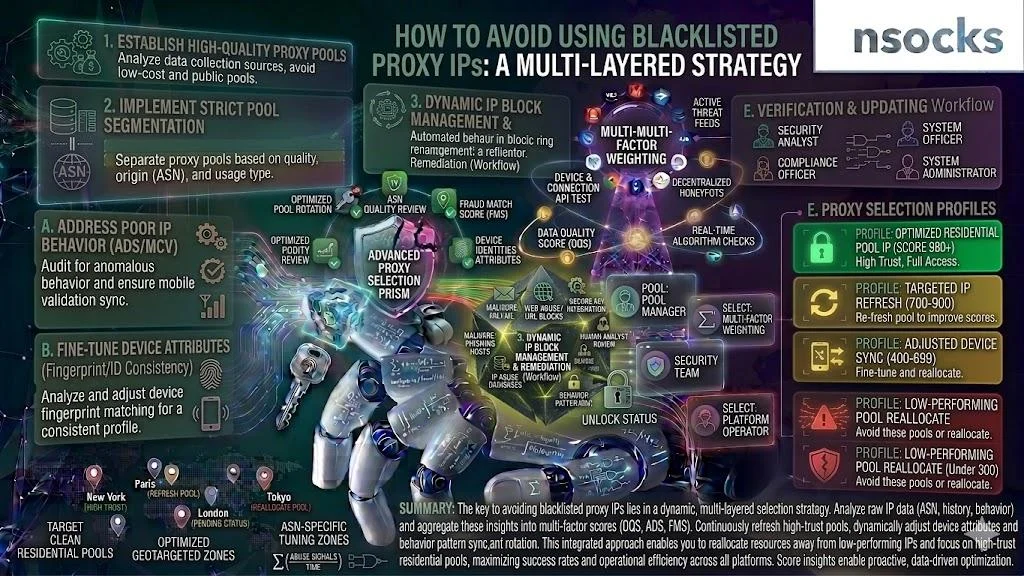
Prevention is more efficient than recovery. Choosing high-reputation proxy providers is the single biggest factor. Providers like Nsocks that maintain strict usage policies and actively rotate flagged IPs reduce your exposure. Regular IP rotation prevents any single address from accumulating enough traffic to trigger detection. Make it a habit to check if IP is blacklisted after every rotation cycle.
💡 Best practices for maintaining ip health:
- ✅ Rotate IPs based on session length and request volume
- ✅ Monitor reputation scores weekly at minimum
- ✅ Avoid reusing the same IP for high-volume tasks over extended periods
- ✅ Use residential IPs for tasks requiring high trust levels
- ✅ Separate email traffic from web scraping traffic
Preventive workflow checklist:
- ✅ Audit your current IP pool using a security database scan tool
- ✅ Remove or replace any IPs with active blacklist hits
- ✅ Set up automated monitoring with alert thresholds
- ✅ Configure rotation schedules based on task type
- ✅ Review proxy provider SLA for reputation guarantees
🔧 What to do if your proxy ip is blacklisted
Discovering a blacklisted IP is not the end of the road. There are clear steps to resolve the situation. Start with a thorough ip reputation check to understand the scope of the problem. The key is to act fast because every hour a flagged IP stays in your active pool, it drags down success rates and wastes resources. A structured response plan turns a potential crisis into a routine maintenance task.
🔍 Verifying blacklist status across multiple sources
Do not rely on a single tool. Run the flagged IP through at least three platforms. Is my ip blacklisted on Spamhaus? Check. On Barracuda? Check. On SORBS? Check. Cross-referencing confirms the listing and identifies which databases are involved. This multi-source approach is the most reliable way to confirm your IP standing with confidence.
🔄 Replacing or rotating proxy ips
If the listing is tied to the IP's history rather than your activity, the fastest fix is replacement. Rotate the flagged IP out of your active pool and bring in a clean address. Nsocks makes this straightforward with on-demand IP rotation. Keep a reserve pool of verified IPs ready so you can swap addresses without downtime. After each swap, check if IP is blacklisted on the new address to confirm it is clean before putting it to work. Waiting for a delisting request to process while the flagged IP stays active only compounds the damage.
📞 Contacting provider support for resolution
Your proxy provider should be your first call. Quality providers have established delisting workflows and can check if IP is blacklisted across their internal monitoring systems faster than any public tool. Nsocks support can investigate the cause and either delist the IP or provide a replacement from a verified clean pool.
| 📊 Action | Expected outcome | Timeframe |
|---|---|---|
| 🔍 Multi-source verification | Confirmed listing details | Minutes |
| 🔄 IP rotation/replacement | Restored connectivity | Immediate |
| 📞 Provider support ticket | Root cause analysis + fix | 24–48 hours |
| 📝 Delisting request | IP removed from database | 24 hours–2 weeks |
Proxy ip verification after each step confirms that the fix worked.
⚖️ Comparison: clean vs blacklisted proxy ip
The gap between a clean and flagged IP is not subtle. It affects every metric that matters for production operations. Anyone serious about uptime should check if IP is blacklisted before adding addresses to active rotation.
| 📊 Metric | ✅ Clean proxy IP | ❌ Blacklisted proxy IP |
|---|---|---|
| ⚡ Connection speed | Full speed, no throttling | Slow or blocked entirely |
| 📈 Success rate | 95–99% | Below 50% on flagged services |
| 🔒 Reliability | Consistent across sessions | Unpredictable, frequent drops |
| ⚠️ Risk level | Low | High, cascading failures possible |
| 💼 Use cases | All standard operations | Limited to non-filtered services |
An rbl check before deploying any IP into production ensures you start clean.
🏗️ Real-world scenarios of blacklist detection
Real-world cases demonstrate why proactive monitoring matters. These scenarios reflect common situations faced by US-based businesses running proxy infrastructure at scale. Each case follows the same pattern: an undetected reputation problem builds quietly until it starts affecting output quality or uptime. The companies that recovered fastest were the ones that had systems in place to check if IP is blacklisted before damage spread.
🏢 Stable proxy usage in enterprise systems
A mid-size marketing analytics firm in Texas ran 500 concurrent proxy connections for competitive intelligence. By implementing weekly is my ip blacklisted checks and automated rotation, they maintained a 97% success rate over 12 months.
📉 Detection of degraded ip pools
An e-commerce data provider noticed a gradual decline in scraping accuracy over three weeks. After running a full ip blacklist check across their pool, they found 22% of their IPs had landed on web security blacklists. Replacing the flagged addresses restored data quality within 48 hours.
🔄 Recovery after blacklist removal
A logistics company using proxies for freight rate comparison had several IPs flagged on Spamhaus. They submitted delisting requests, rotated affected IPs through Nsocks, and established a monitoring schedule. Full recovery took 10 days with no repeat incidents over the following six months. Their takeaway: check if IP is blacklisted weekly and automate whenever possible.
❓ Frequently asked questions
What is a blacklisted proxy ip?
It is an IP address flagged by one or more security databases as potentially harmful or untrustworthy.
How can i check proxy reputation?
Use public tools like MXToolbox, Spamhaus, or IPVoid to scan your IP against multiple databases.
Can a blacklisted ip be reused?
Yes, after successful delisting or once the blacklist entry expires, the IP can return to normal use.
Why do ip addresses get blacklisted?
Spam activity, abnormal traffic patterns, shared pool abuse, or inherited bad reputation from previous users.
How often should i check proxy status?
At minimum weekly for active pools, and before any large-scale operation launch.